
Penguin Mail
A Gmail client for the GNOME desktop, written in Rust. It keeps several accounts in sync from the system tray, shows them in one inbox or one at a time, and keeps your mail on your own computer.
It talks to Google through an OAuth client you own, so no server of ours — and no server of anyone else's — ever sees your mail.
Free software · GPL-3.0-or-later · Ubuntu 26.04
What it does
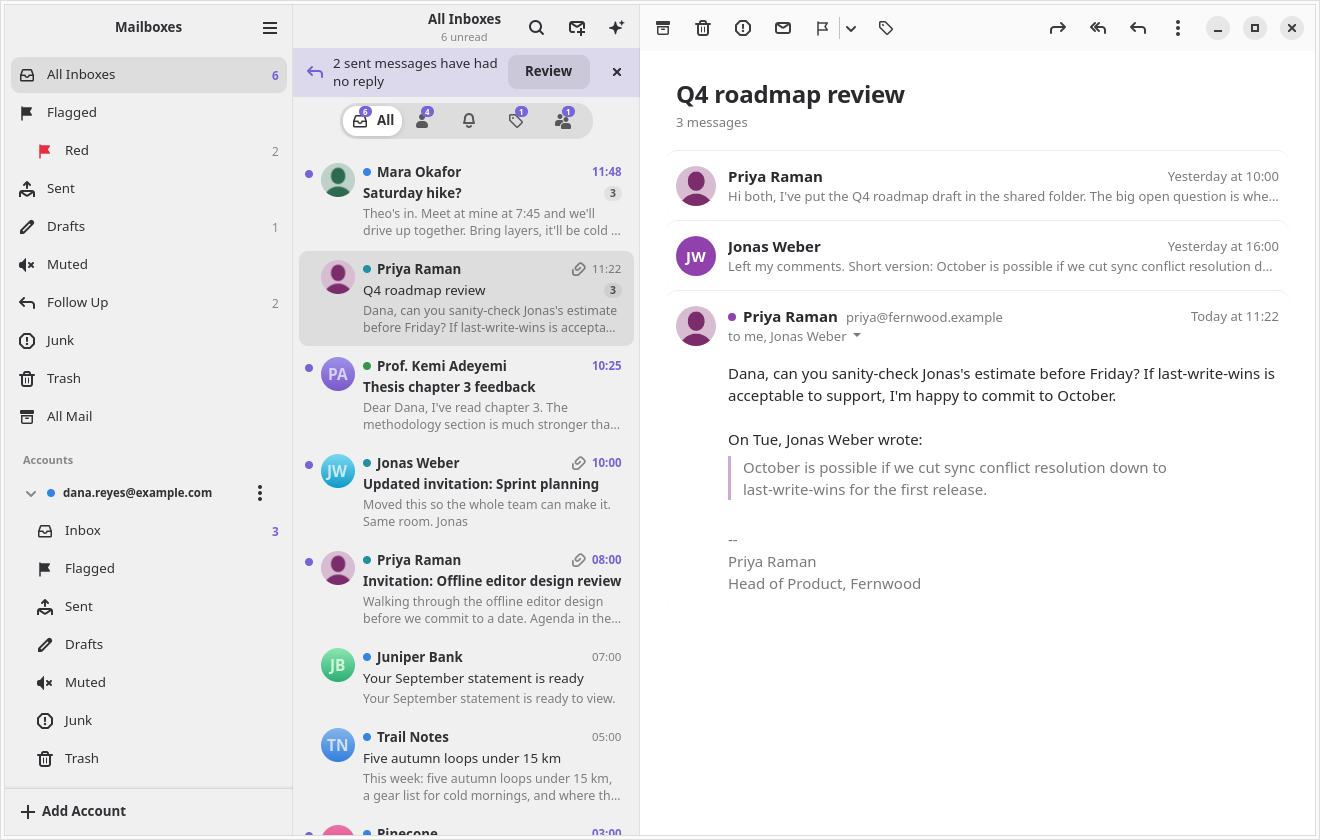
Every account in one list
Several Gmail accounts in one inbox, or one at a time, with a coloured dot to tell them apart. Search uses Gmail's own query syntax, across one account or all of them.
Conversations that fold down
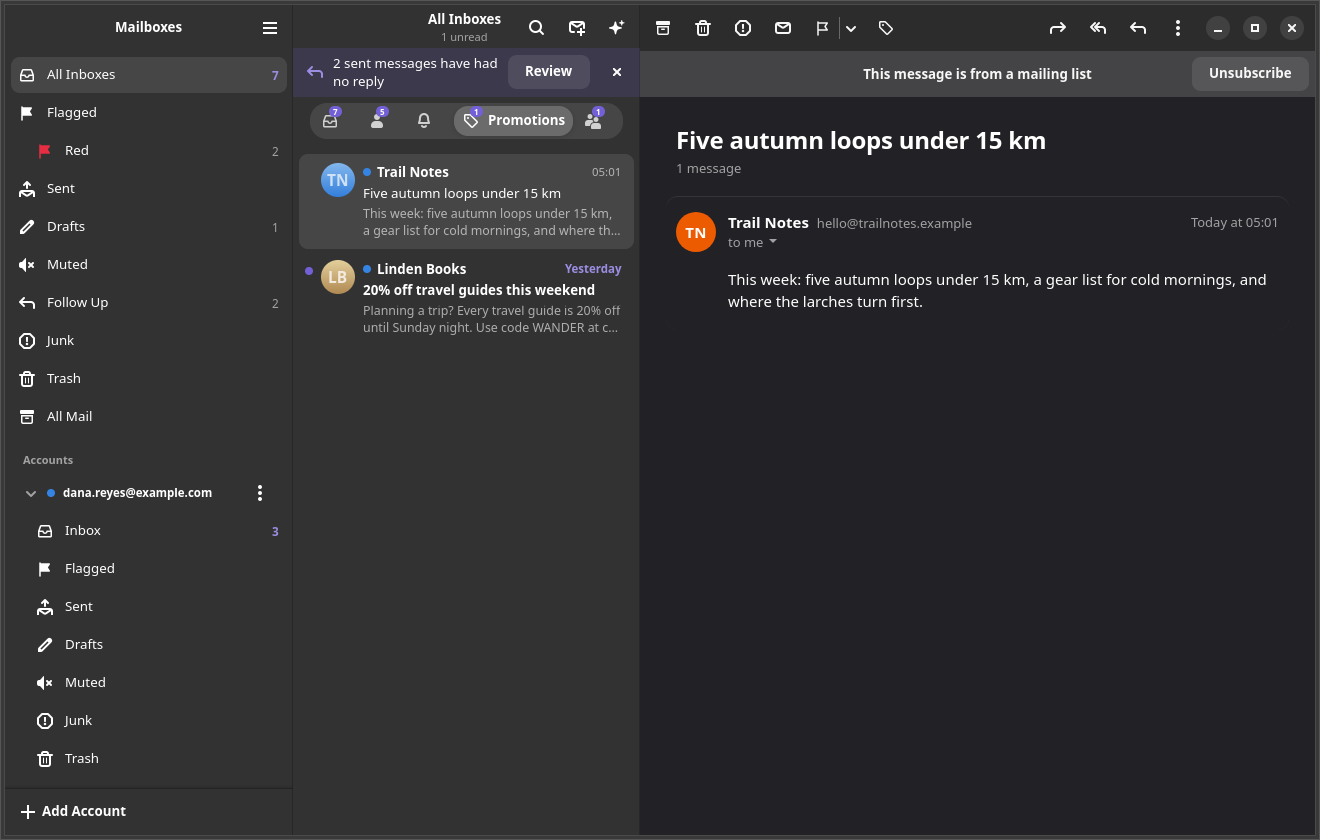
Older messages in a thread collapse to a line, and quoted text and signatures dim. Categories split the inbox into Primary, Updates, Promotions and Social.
A composer that keeps up
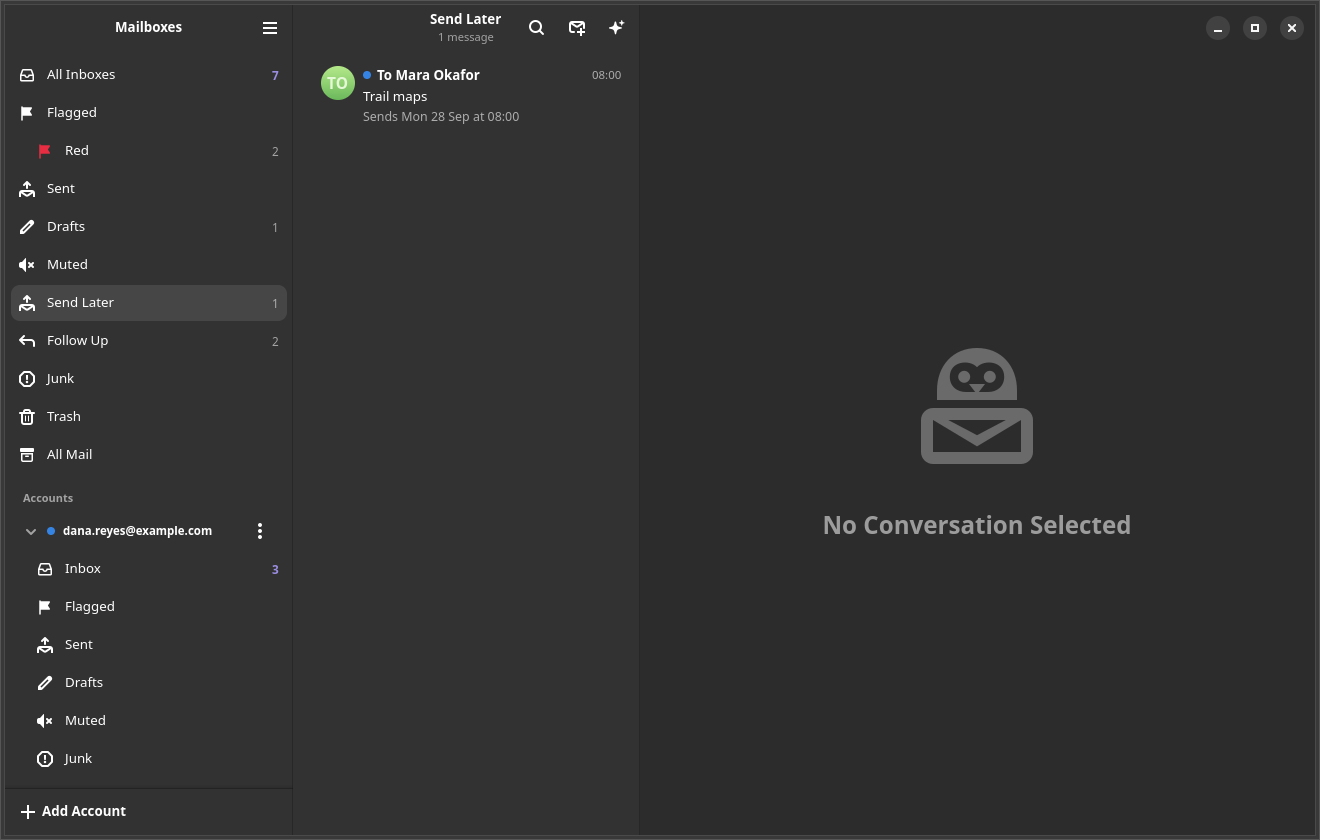
Formatting as you write, Markdown in both directions, recipient chips and attachments. Undo Send, Send Later, and an Outbox that survives a quit and keeps trying.
Triage that sticks
Flags in seven colours, VIPs, Smart Mailboxes, Remind Me, Follow Up and Mute. Select a dozen conversations and act on them together; Ctrl+Z undoes each one.
Gmail's own settings
Filters listed in plain words, automatic replies, one-click unsubscribe and Block Sender, and plus addresses you can hand out and switch off later.
Mail that cannot watch you
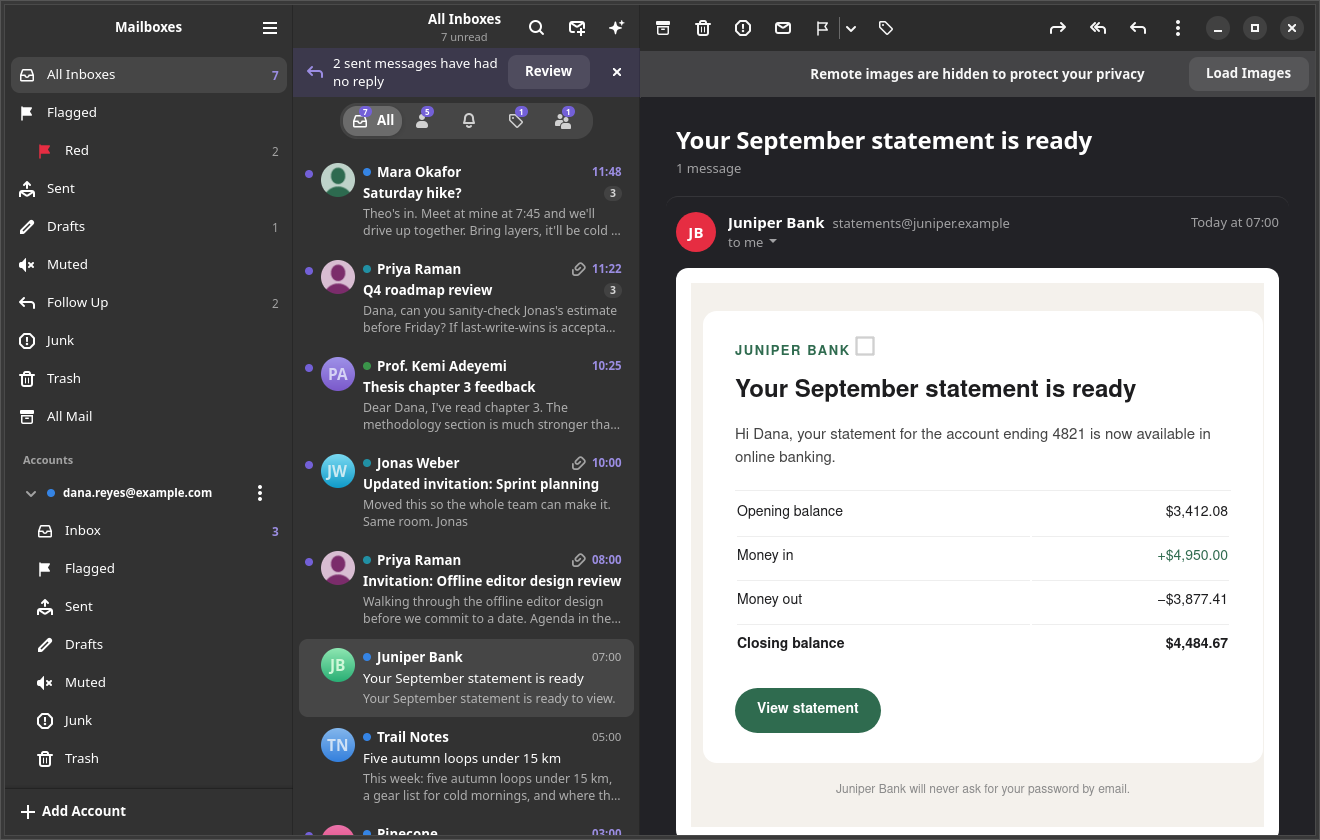
HTML renders in a sandbox with JavaScript off. Remote content is blocked twice until you allow it. OpenPGP and S/MIME run through your own GnuPG, which keeps your keys.
An assistant, if you want one
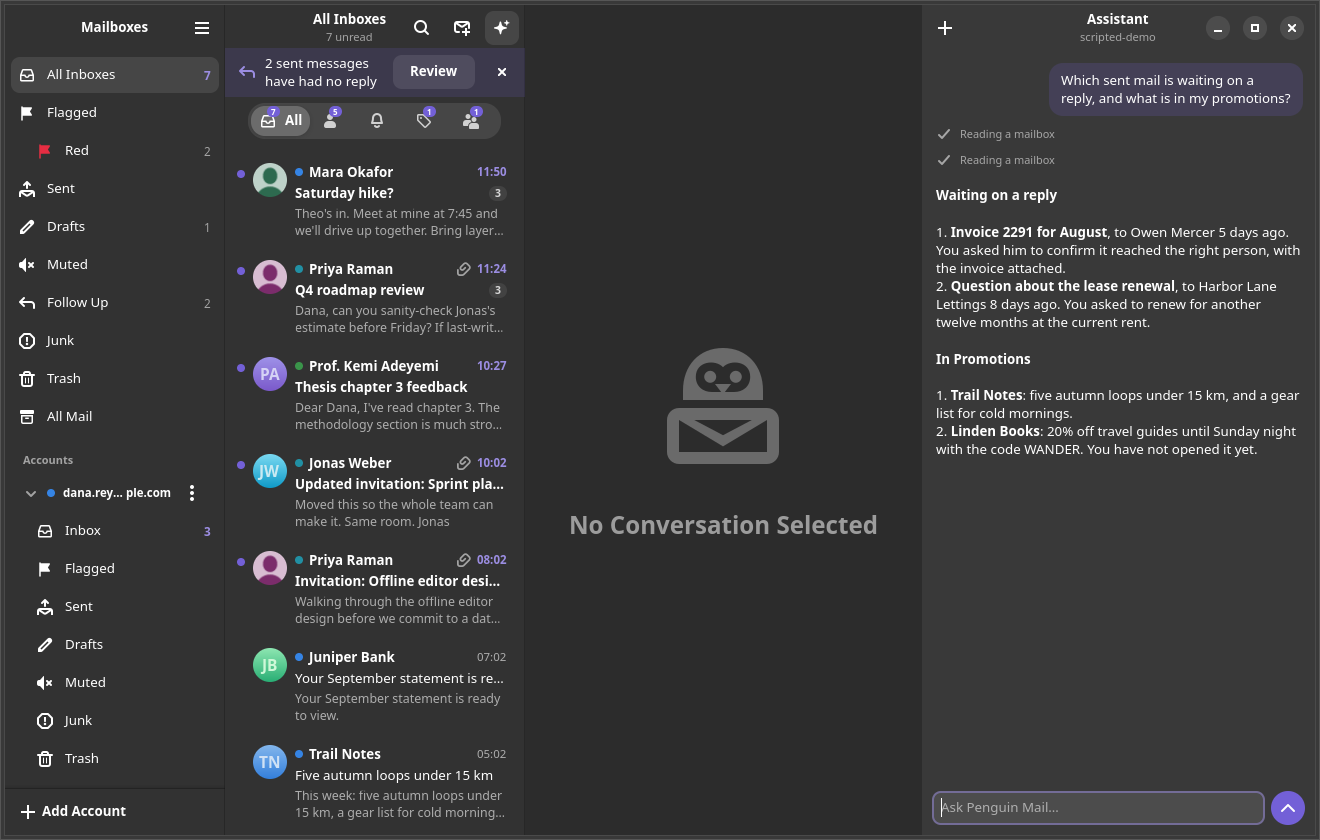
Ctrl+J summarises, sorts, cleans up and drafts replies using the app's own tools. It asks before it sends mail or changes a setting, and it is off until you pick a model.
Light on the desktop
About 55 MB in the tray, with an unread count and notification buttons. Apple Mail's shortcuts with Ctrl in place of Command, in English or European Portuguese.
A look at it
Installing it
Penguin Mail runs on Ubuntu 26.04, or any distribution with GTK 4.20, libadwaita 1.8 and WebKitGTK 6.0. Download the .deb from the latest release and install it:
sudo apt install ./penguin-mail_X.Y.Z_amd64.deb The same release carries a tarball that installs under ~/.local without root, and the source builds with scripts/install.sh. An installed copy checks for new versions once a day and can install them itself.
On first run it asks for a Google OAuth client ID and secret, which you create once in your own Google Cloud project — about ten minutes, walked through in the setup guide. To look around first, penguin-mail --demo opens three sample accounts in a throwaway store and talks to nobody.